35sites MicroApp · Connection Pulse
Remember the people—not just their contact details.
Connection Pulse gives you one private, focused place to organize people, companies, conversations, follow-ups, and the context that keeps relationships moving.
Relationships Need Context
A contact list tells you who. Connection Pulse helps you remember why.
Names and email addresses are easy to store. The harder part is remembering the last conversation, the relevant company, shared interests, and what you planned to do next.
- Keep useful context: Add dated notes to people and companies.
- Connect the dots: Relate notes, people, companies, and shared tags.
- Find information quickly: Search globally or within a specific area.
- Remember what is next: Turn a note into a follow-up with a due date.
Personal by Design
More useful than scattered notes. Simpler than a corporate CRM.
Connection Pulse is designed for consultants, freelancers, creators, job seekers, community builders, and anyone whose work depends on remembering people and maintaining genuine relationships.
There are no pipelines to configure, sales forecasts to manage, or team dashboards to administer.
See Connection Pulse
A practical home for your relationship history.
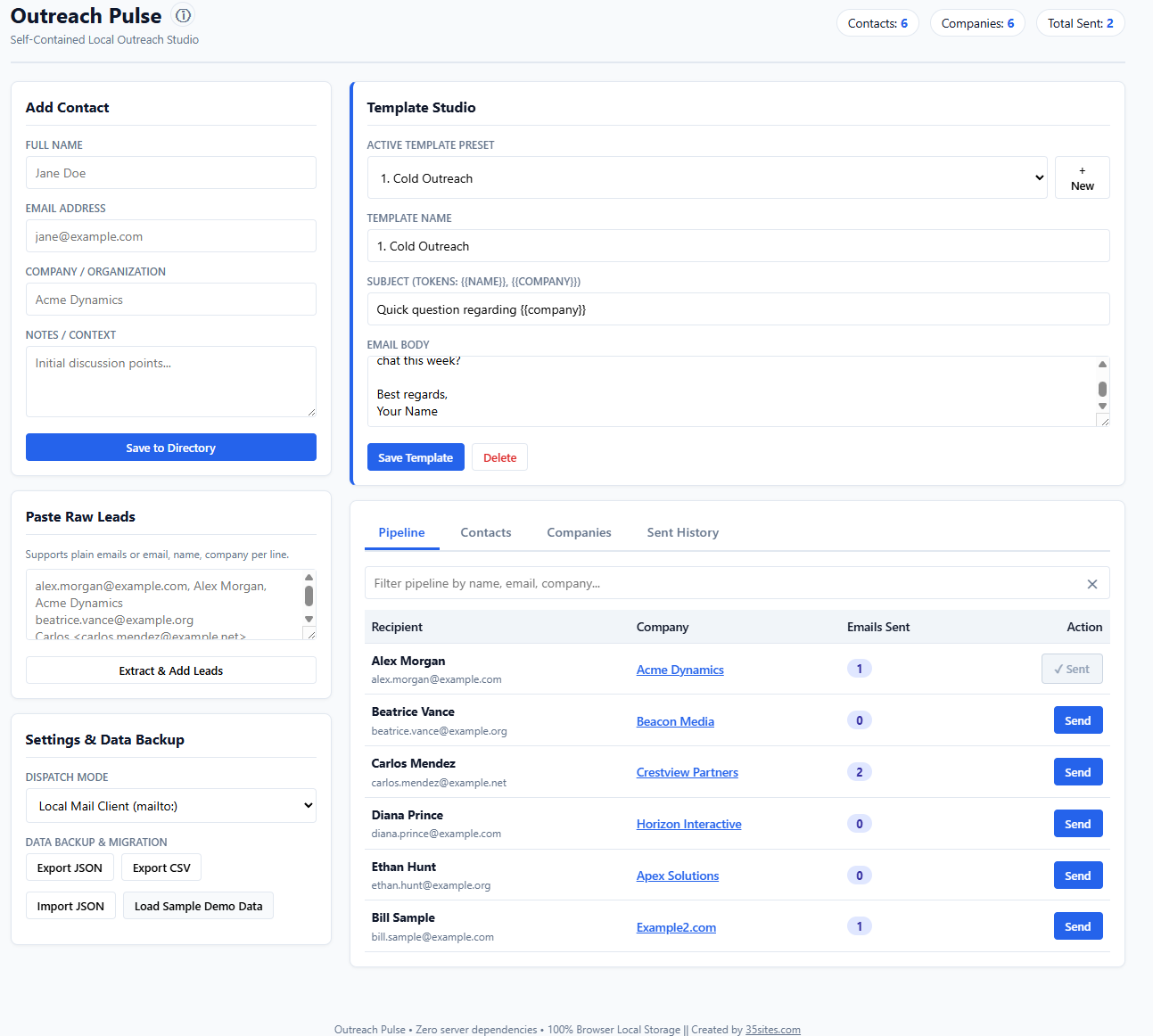
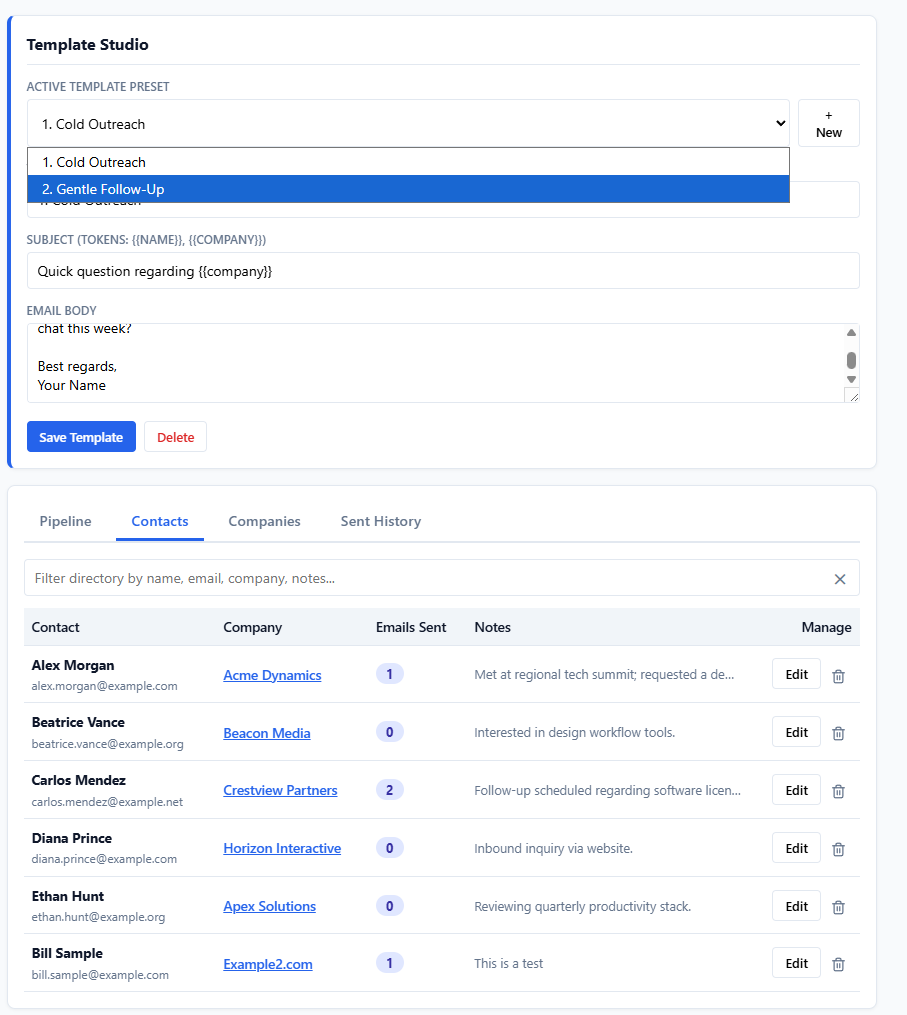
Replace these placeholders with screenshots showing the dashboard and one of the linked profile views.
What It Helps You Do
Keep the information that makes relationships meaningful.
Organize people
Store contact details, company connections, personal context, and searchable tags.
Track companies
Maintain company profiles, see associated people, and keep organization-specific notes.
Capture interactions
Record meetings, calls, emails, ideas, and other dated notes while the context is fresh.
Plan follow-ups
Create follow-up notes with due dates and see upcoming or overdue items from the dashboard.
Explore connections
Click linked people, companies, notes, and tags to move naturally through related information.
Search everything
Use global search across people, companies, and notes, or narrow the view within each section.
Use your own tags
Create a shared tag vocabulary and click any displayed tag to find every matching record.
Import and export
Move or protect your information with complete JSON backups and practical CSV exports.
Avoid duplicates
Check imported and sample records for duplicate people, companies, and notes before adding them.
A Simple Habit
Capture a little context. Find it when it matters.
Add the person
Record the details you actually use and connect the person to a company.
Capture the interaction
Add a dated note after a conversation, meeting, introduction, or meaningful update.
Tag the context
Use consistent tags to connect shared interests, projects, communities, or opportunities.
Follow through
Create a follow-up when action is needed, then return with the history already at hand.
Clear Expectations
What Connection Pulse is—and what it is not.
It is
- A personal relationship and context manager
- A connected record of people, companies, and notes
- A lightweight follow-up reminder system
- A searchable, tag-based knowledge base
- A standalone tool without a recurring subscription
It is not
- A cloud-synchronized team CRM
- An automated email or marketing platform
- A lead-generation or enrichment service
- A calendar, task-management, or notification service
- A substitute for securely backing up important information
Privacy by Architecture
Your relationship data stays in your browser.
Connection Pulse does not require a 35sites account and does not place your contacts in a centralized 35sites database. People, companies, notes, tags, and settings are stored in the private local storage of the browser profile where you use the application.
You can export a complete JSON backup and supported CSV files, giving you control over protecting and moving your information.
Important: Local does not mean encrypted or automatically backed up. Data can be lost if browser storage is cleared or the device fails. Your browser profile, computer, extensions, and exported files must be protected appropriately. Make regular JSON backups.
What You Receive
One download. No monthly bill.
- Connection Pulse: The complete standalone HTML application.
- Getting-started guide: Instructions for using, backing up, and moving the app.
- Sample data: Realistic example records for exploring the connected workflow.
- Product updates: Updates to the purchased version without a recurring subscription fee.
Frequently Asked Questions
Before you get started.
Do I need to install anything?
No. Connection Pulse is delivered as a standalone HTML file. Save it to your computer and open it in a current desktop browser.
Where is my data stored?
Your working data is stored in the local storage of the browser profile you use. It is not automatically sent to or stored by 35sites.
Can I use it offline?
Yes. The application’s core people, company, note, tag, search, follow-up, and backup functions run locally after you download it.
Does it synchronize between computers?
No. Connection Pulse is intentionally local and does not include cloud synchronization. Use JSON export and import to move a backup to another browser or computer.
Can one contact belong to multiple companies?
The current version assigns one company to each person. Notes may be linked to multiple people and companies.
What happens if I clear my browser data?
Clearing the browser profile’s local site or file data may remove your Connection Pulse records. Export regular JSON backups and store them somewhere secure.
Can I import existing information?
Yes. Connection Pulse supports complete JSON restore and CSV-based data portability for supported records. Review imported information and keep a backup before replacing existing data.
Which browsers are supported?
Connection Pulse is intended for current desktop versions of Chrome, Edge, Firefox, and Safari. Test the demo in the browser you plan to use.
Keep the Connection Alive
Remember the conversation, understand the context, and know what comes next.
Connection Pulse gives you a focused, private way to manage the relationships that matter—without another platform to administer.